No MikroTik needed. Two ways to build: an Orange Pi One with the coin slot wired to it, or a Ruijie RG-EW1200G PRO router with a NodeMCU coin controller. Coins, pause time, vouchers, sales report and speed limits are all built in.
Customer taps Hulog Barya on the phone, drops coins, and time adds up right away. Works with CH-926 multi-coin acceptors.
Customers pause and resume their time. Time is saved even after a brownout.
Make and print voucher codes for customers who prefer to pay at the counter.
Today, yesterday, this month and all time, plus every coin dropped, on the admin page.
Set download and upload speed for each customer so one phone can't slow down everyone.
Smart queueing on the internet line keeps ping low even while others download, gives every phone a fair share, and puts game traffic first.
Paid time can't be shared through a phone hotspot, VPNs can be blocked, a copied MAC address gets nothing, and phones without time can't sneak out through DNS.
Every coin is saved the moment it drops, even if the power goes out. The admin shows how much should be in the coin box since you last emptied it.
₱1 = 10 min, ₱5 = 1 hour, or your own. Your business name shows on the portal.
Same license, same admin page and same Remote for both. The license is for one board or one router.
SD card image. Coin acceptor and relay are wired to the Orange Pi; any WiFi access point gives the signal.
Download v0.6.0 (.img.gz)9.5 MB · SHA-256 6cb42ec088bdb0ff…
The router is the vendo and gives the WiFi. A NodeMCU (ESP8266) reads the coins and sends them to the router over WiFi.
Download the firmware above. Open balenaEtcher on your PC → Flash from file → pick the .img.gz → pick the SD card → Flash. Put the SD card in the Orange Pi.
Orange Pi LAN port → switch / WiFi access points (AP mode, DHCP off). USB LAN adapter → your modem. Phone USB tethering also works as backup internet.
Follow the wiring chart below. The coin wire always goes through the optocoupler. Never connect 12V to the Orange Pi.
1 pulse = ₱1 (₱1 = 1 pulse, ₱5 = 5, ₱10 = 10, ₱20 = 20), NO, medium speed.
Join the vendo WiFi and go to http://10.0.0.1/admin. Password admin; you change it right away. Set your name, rates and speed.
Admin → License shows the Device ID. Buy the license with that Device ID, then tap Activate online on the vendo.

The router must already run OpenWrt 24.10; see the OpenWrt support notes for this router. Changing the original Ruijie firmware ends its warranty. Other Ruijie models are not supported.
Open the router's OpenWrt page → System → Backup / Flash firmware → Flash image → pick the GLACXYSTEM .bin → untick "Keep settings" → Continue. Wait 3 minutes.
Router WAN port → your modem. Customers join the WiFi PISO WIFI (both bands, made automatically) or the LAN ports.
Plug the NodeMCU into your PC with USB, open this page in Chrome or Edge on a computer, and press the button. Pick the USB port when asked.
Coin COIN → optocoupler → D5 · optocoupler GND → GND · relay IN → D6 · relay VCC → VIN (5V), relay GND → GND. Relay switches the coin acceptor's 12V. Power the NodeMCU with a 5V USB charger.
On the vendo admin (http://10.0.0.1/admin) → Settings → Kumuha ng pairing code. On your phone join the WiFi GLX-COIN-xxxx, choose PISO WIFI, type the code. Done: drop a coin to test.
Admin → License → copy the Device ID, buy the license, then tap Activate online.
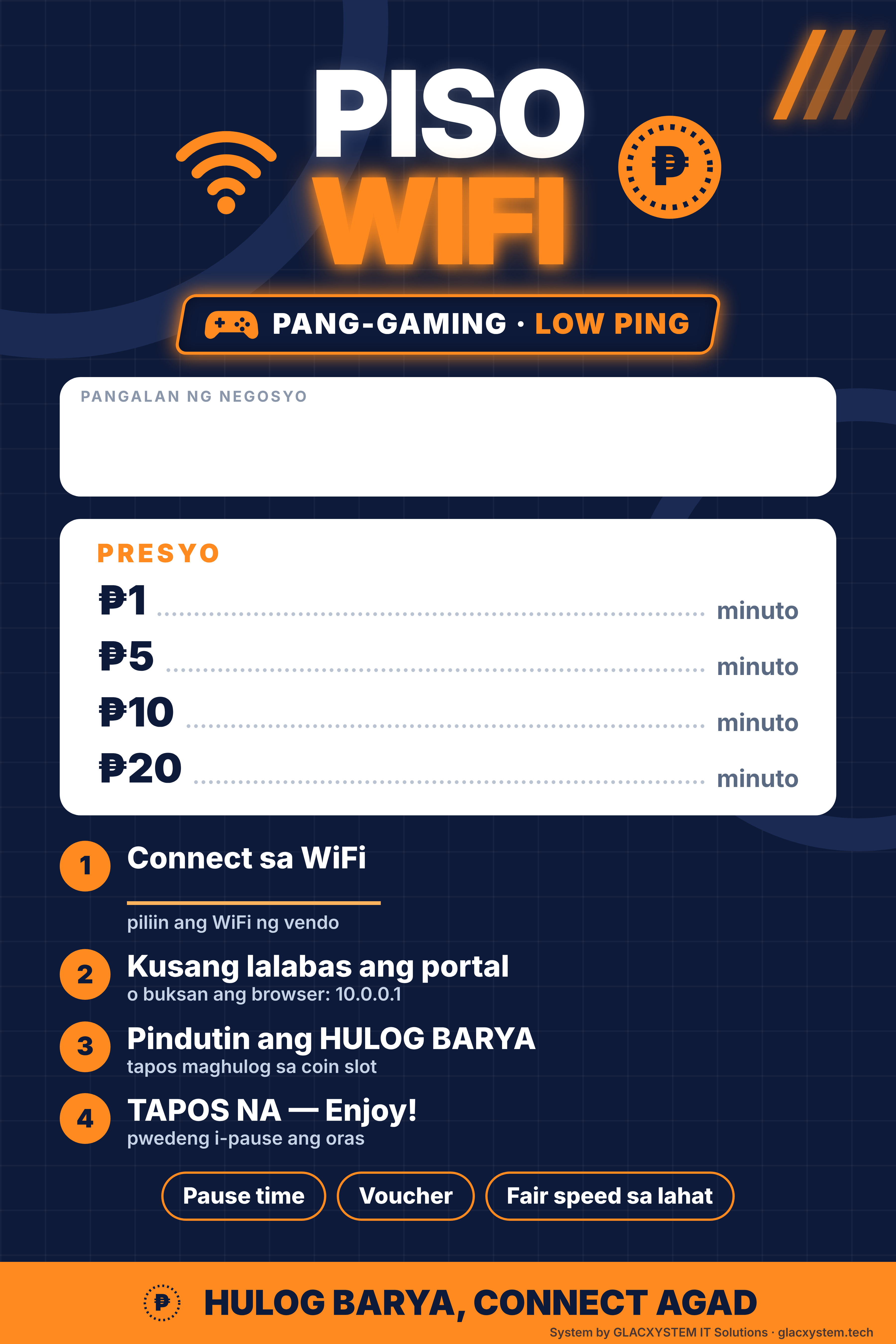
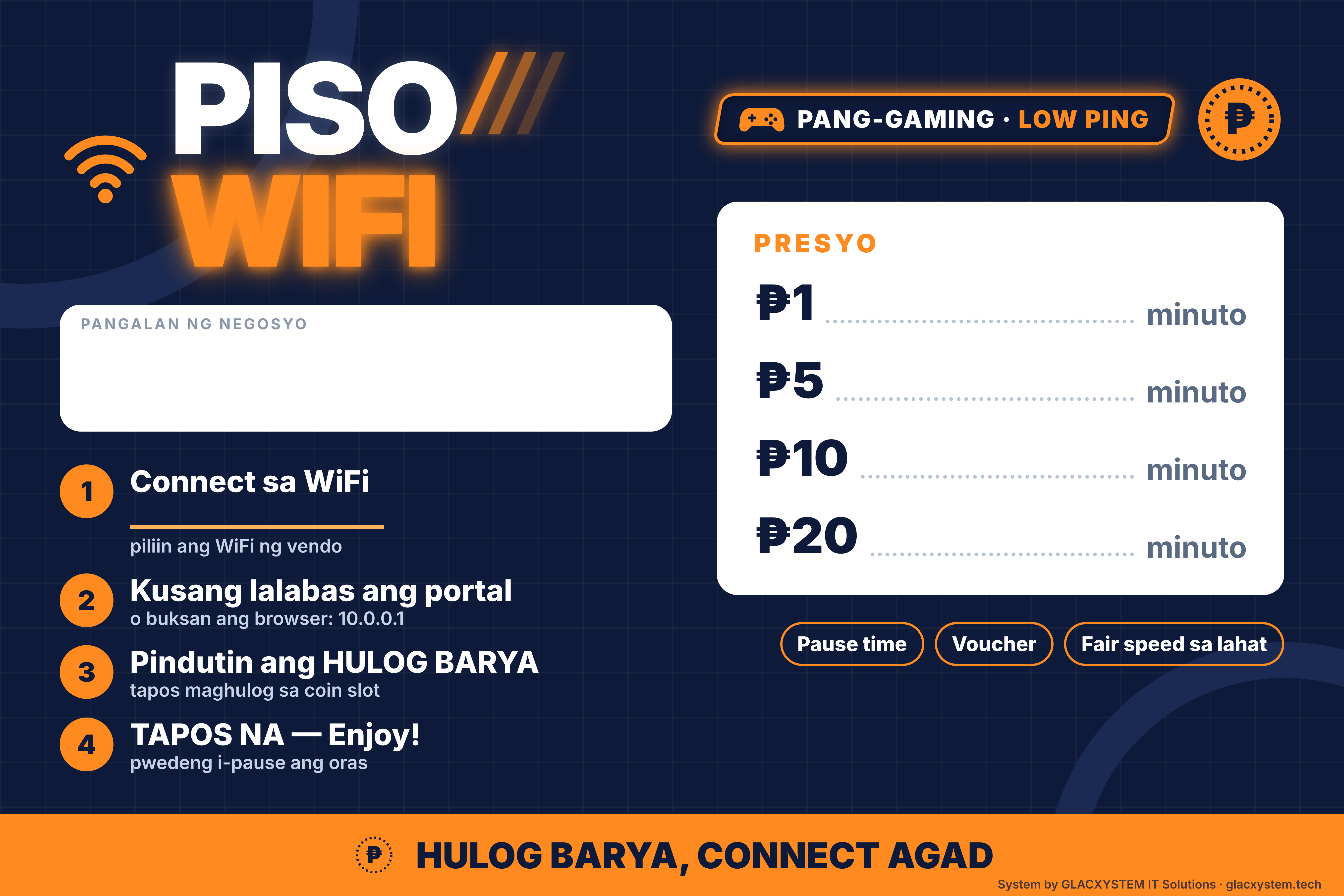
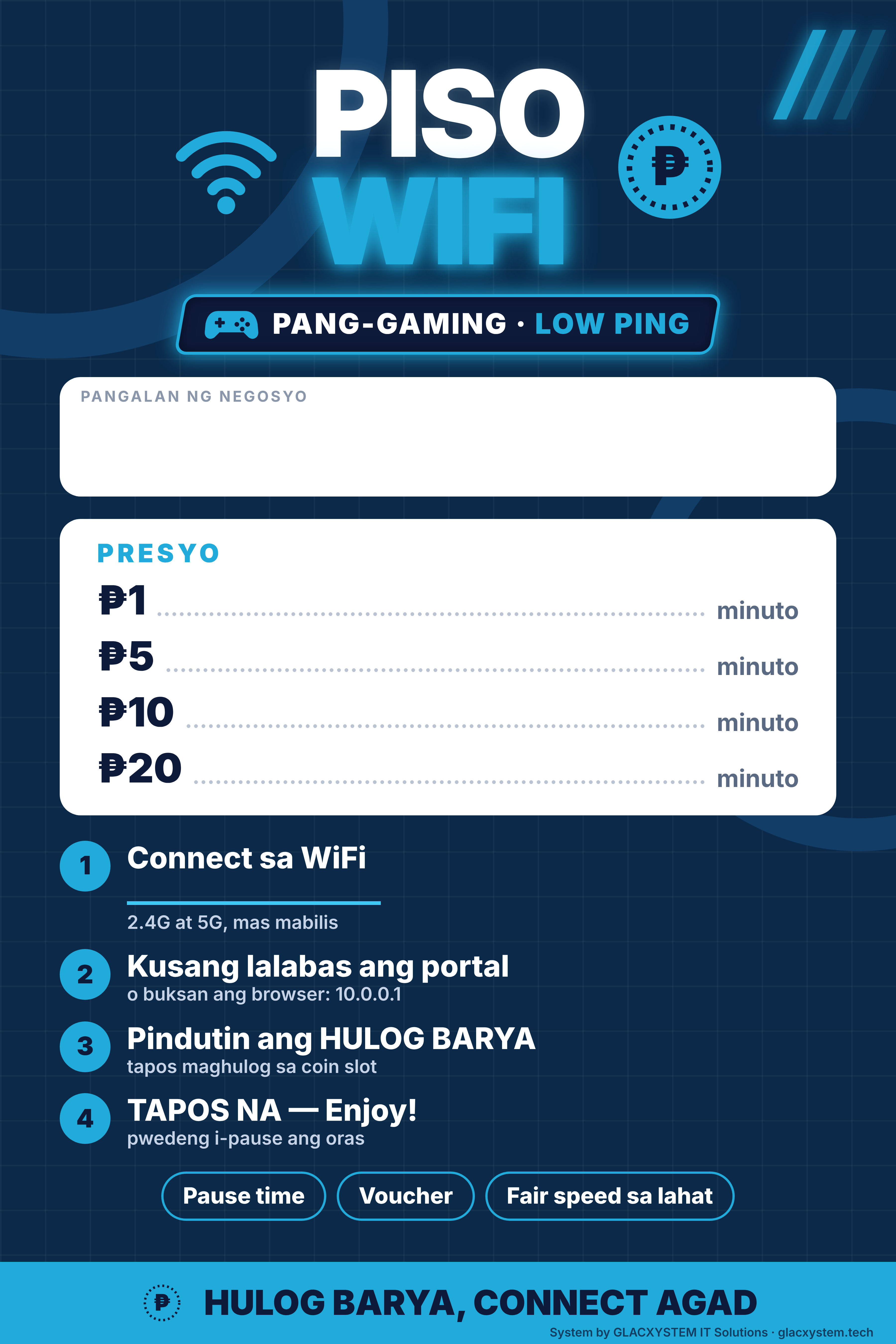
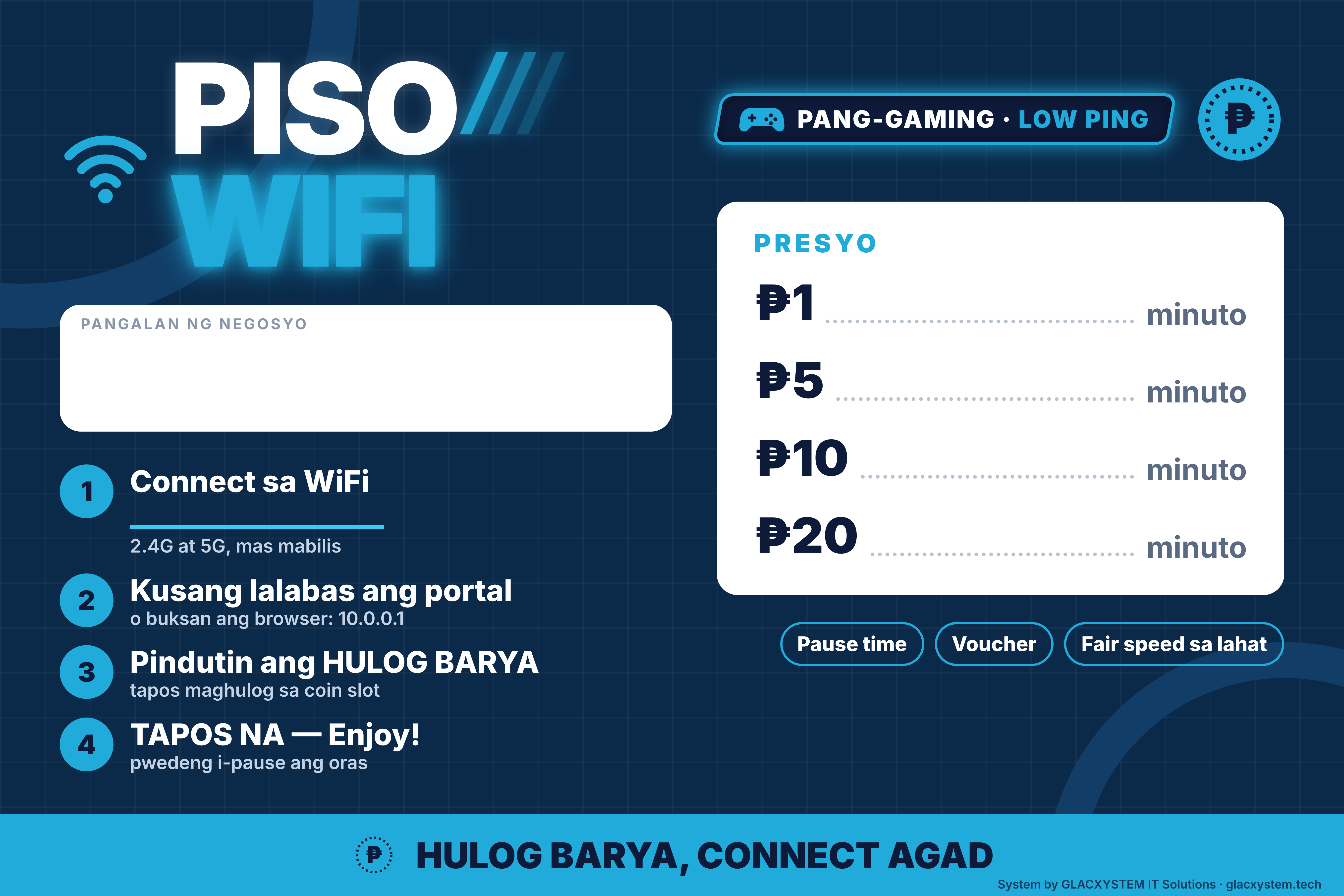
Print-ready, with a blank space for your business name, your prices and your WiFi name. Gaming look, ready to print. Write your details in with a marker, or have the print shop type them in. PDF prints sharp at full size; PNG is 150 dpi.
Call or text 0953 722 9369 · albertc@glacxystem.com